• Member Section
  • Support
  • About Us
  • Blog

fpPathfinder

Helping Diligent Advisors Ensure They're On The Right Planning Path

  • Member Section
  • Support
  • About Us
  • Blog
  • Become a Member
    Log In

New Member Section & One-Click Downloads

December 30, 2019
Announcements, Feature Annoucements

Several new features have been rolled out that have been in the works for a long time.  Both address the same core concern raised by our members – “We have trouble finding the resources that we need”.  

Our members are right.  The member section was designed to showcase 15-20 resources, but it now has about fifty different resources.  This makes it hard to find specific resources and difficult to browse through the member section.

These two new features address these concerns: 


New Member Section

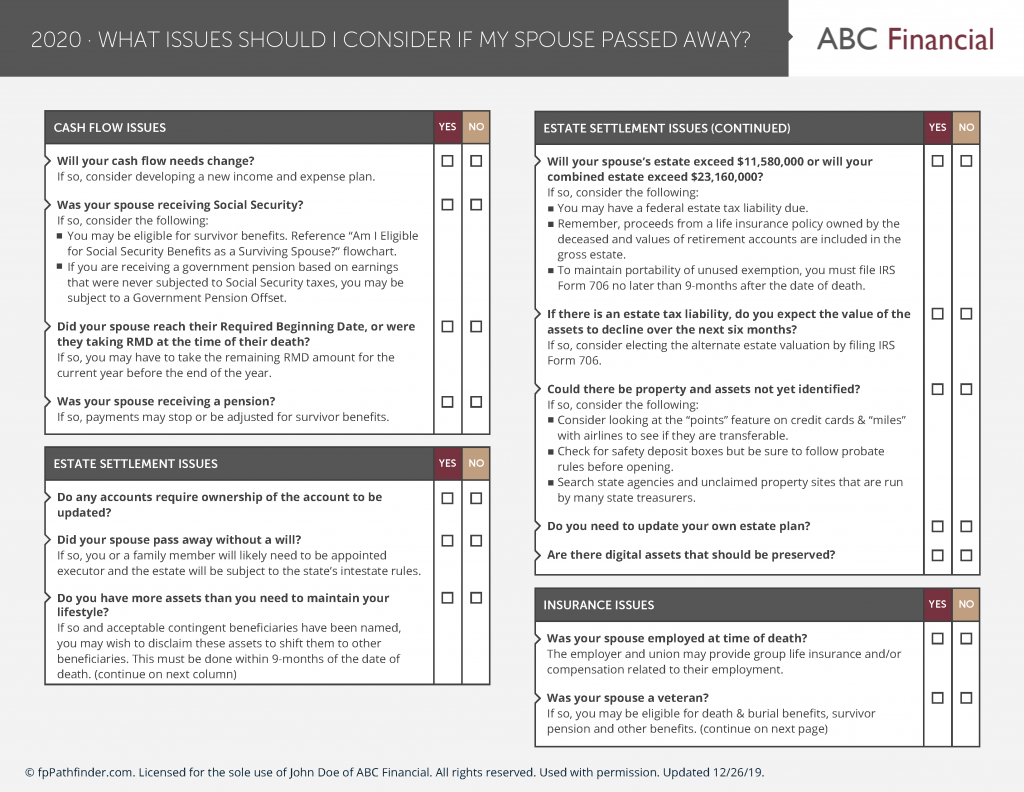
The member section has been redesigned entirely.  Now, members can easily look for resources in a way that is similar to how they browse for content on Netflix or YouTube.  Sometimes members show up looking for something specific (in which case they would search for it), other times they may show up with a client situation in mind but not sure what they need specifically.  This new member section will address that issue a whole lot better than the original member section.  Here is an example of how it looks (or just head to the member section for the full effect):

This sets the stage for more themed categories, which will further save time for members. In the future, we will have categories built around specific client profiles. For example, a category covering specific issues relevant to Gen X and Gen Y, or a category covering divorce, or business owners.  Members will then be able to visit the site to search for a client situation instead of searching for resources that could apply to that client.  

We have also taken additional steps to make key information more “scannable” in the member section than before.  New resources, recently updated resources, or timely (such as end-of-year planning issues) are clearly marked on the information tile.  In addition, a quick summary of the resource is listed at the top of each information tile to make it easier to see what the resource is all about. 

One-Click Downloads

A new feature for our Deluxe members is the ability to quickly download all the resources for a specific year with one click!  All the white-labeled resources for that year will be in a single zipped folder that can be downloaded to the member’s computer.  Deluxe members who are signed in, can visit the One-Click Download page here.

2020 Resources Update

We are still revising the resources based on the SECURE Act and Tax Extenders for 2020.  The current 2020 versions have been updated to reflect new annual limits but do not address the SECURE Act or the Tax Extenders. We will begin to update the resources shortly and will keep everyone apprised of the status.

What do you think of these updates? send me an email. 

Sign Up to Receive Updates

Join our mailing list to be updated as we release new flowcharts and checklists that might be of interest.
  • This field is for validation purposes and should be left unchanged.

Categories

  • Service Guides – Linked
    • Guide Bundles
    • Timely Conversations
    • Age-Related Planning
    • Money In Motion
    • Top 10 Most Popular Resources
    • Client Service Calendar
  • How Advisors Use The Checklists and Flowcharts
    • Best Practices
    • Getting Started
    • Marketing
    • Planning Management
  • Announcements
    • Company Announcements
    • Resource Additions
    • Feature Annoucements
    • Updated Resources
  • In The Press

Become a Member

See how our flowcharts and checklists help you navigate complex financial planning questions.
Become a Member

What Customers Are Saying About Us

Hundreds of other advisors are actively using fpPathfinder. Read what those lovely people have to say about us.
“fpPathfinder is one of a few tools that I use most often in my practice. It has improved my process and the client outcomes.”
— An advisor is Texas
“I love the new "share a link" feature. This has made it much easier to send flowcharts and checklists to our clients. Thanks for the add!”
— An advisor in Texas
“With all the aspects of running a business, working with varying client scenarios, and knowing how much information is available, I like being able to look at a flowchart and just see what I need to see.”
— Mike, a financial advisor
“Checklists don't make the planner smarter or more skilled, but do help to ensure that the planner maximizes the knowledge and skill he/she already has.”
— Michael Kitces, Publisher and Editor-In-Chief at Kitces.com
“Your software and platform are awesome and super helpful to me and my clients”
— Clinton, an Advisor in New York
“This is probably the best money I have ever spent. I love fpPathfinder!”
— Phillip, an advisor in North Carolina
“It’s one of the best software products I have seen. It’s exactly what I have been looking for and trying to build internally. Well done!!!”
— Kate, an advisor in Florida
Become a Member
  • Become a Member
  • Member Section
  • Blog
  • TOS & Privacy Policy
  • Suggest a Flowchart or Checklist
  • Careers: We’re Hiring

Recent Blog Posts

  • A Client Engagement Strategy
  • Lease Or Buy: The Automobile Question
  • Home-Specific Bundle: 3 Guides
  • Pump Up Your Marketing

Sign Up to Receive Updates

Join our mailing list to be updated as we release new flowcharts and checklists that might be of interest.
  • This field is for validation purposes and should be left unchanged.

Have a question, idea, comment, or see an error? We want to know! Email us at support@fppathfinder.com!

Copyright © 2026 fpPathfinder, All rights reserved.

Easily and quickly provide guidance to your clients. Then properly document your conversation or meeting.

Upgrade to Premier to use an interactive checklist and integrate with Redtail and Wealthbox.

Learn More

Feature your expertise by putting flowcharts and checklists with your brand in front of your clients and prospects.

Upgrade to Deluxe or Premier to white label the resources.

Learn More

Save time by downloading all the checklists and flowcharts with one click.

Upgrade to Deluxe or Premier to download all the resources with one click.

Learn More

Close
Retry